Usage Guide
This section introduces the main features and everyday usage of the LAFVIN ESP32S3 AIChatBot.
Voice Interaction
The core experience of the LAFVIN ESP32S3 AIChatBot is voice interaction. You can talk to the device in the following ways:
Wake-up Methods
Wake word trigger:
The default wake words are
Hi, ESPandSophia.If you want a different wake word, you can customize it through secondary development.
After the wake word is detected, the AI ChatBot will respond and enter listening mode.
After wake-up, there is a listening window of about 5 seconds for your question or command.
The ChatGPT firmware supports direct conversation without a wake word, and both firmware versions support interruption during conversation.
Conversation Capabilities
The LAFVIN ESP32S3 AIChatBot can handle a variety of conversations, including:
General Q&A for everyday questions and common knowledge
Information requests such as weather, time, and current events
Entertainment interactions such as jokes, stories, and riddles
Personalized responses based on your selected role and prompt settings
Voice Quality
Microphone pickup range: approximately 2 to 3 meters
Noise suppression: built-in processing helps reduce background noise
LCD Display Functions
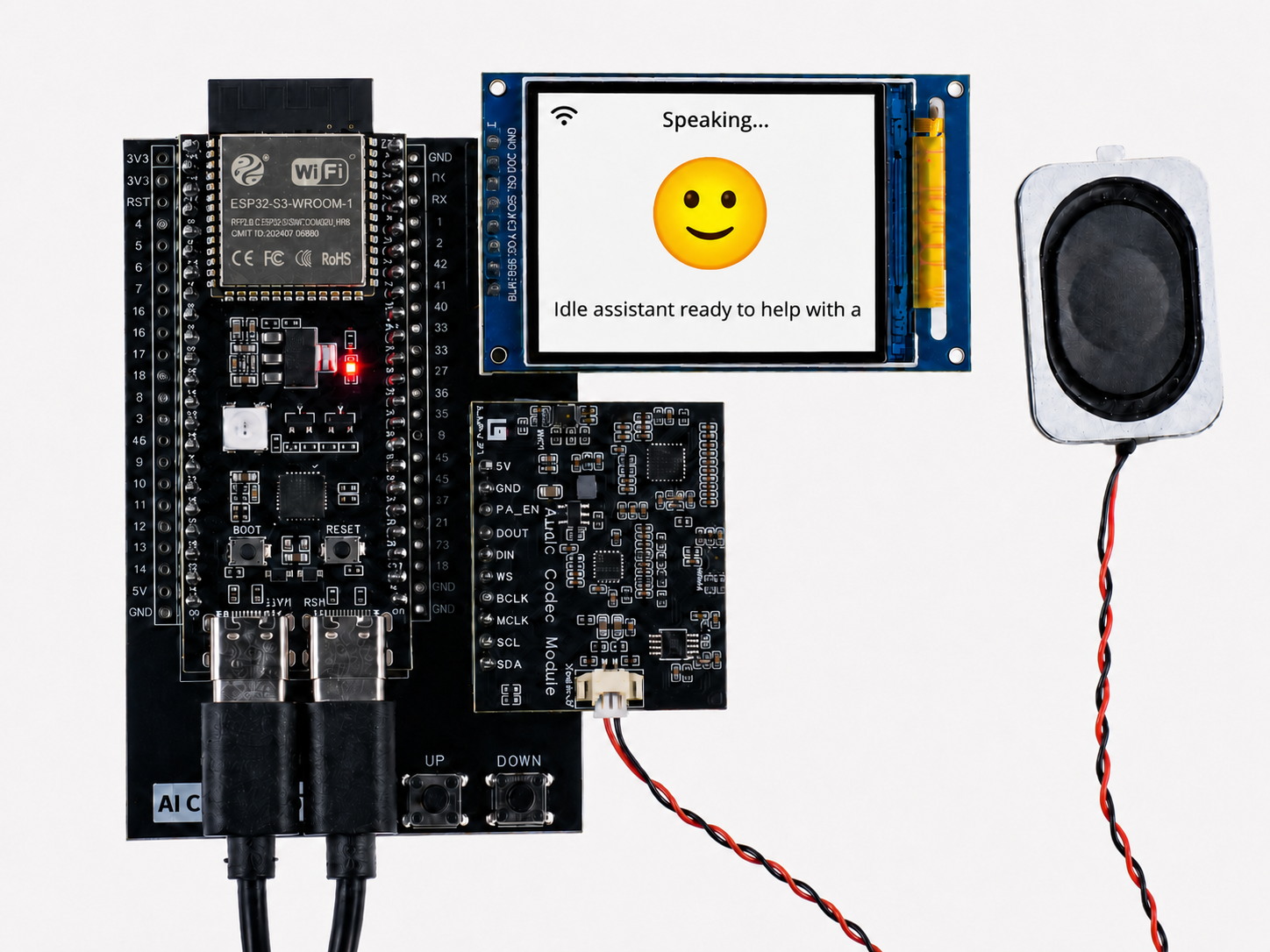
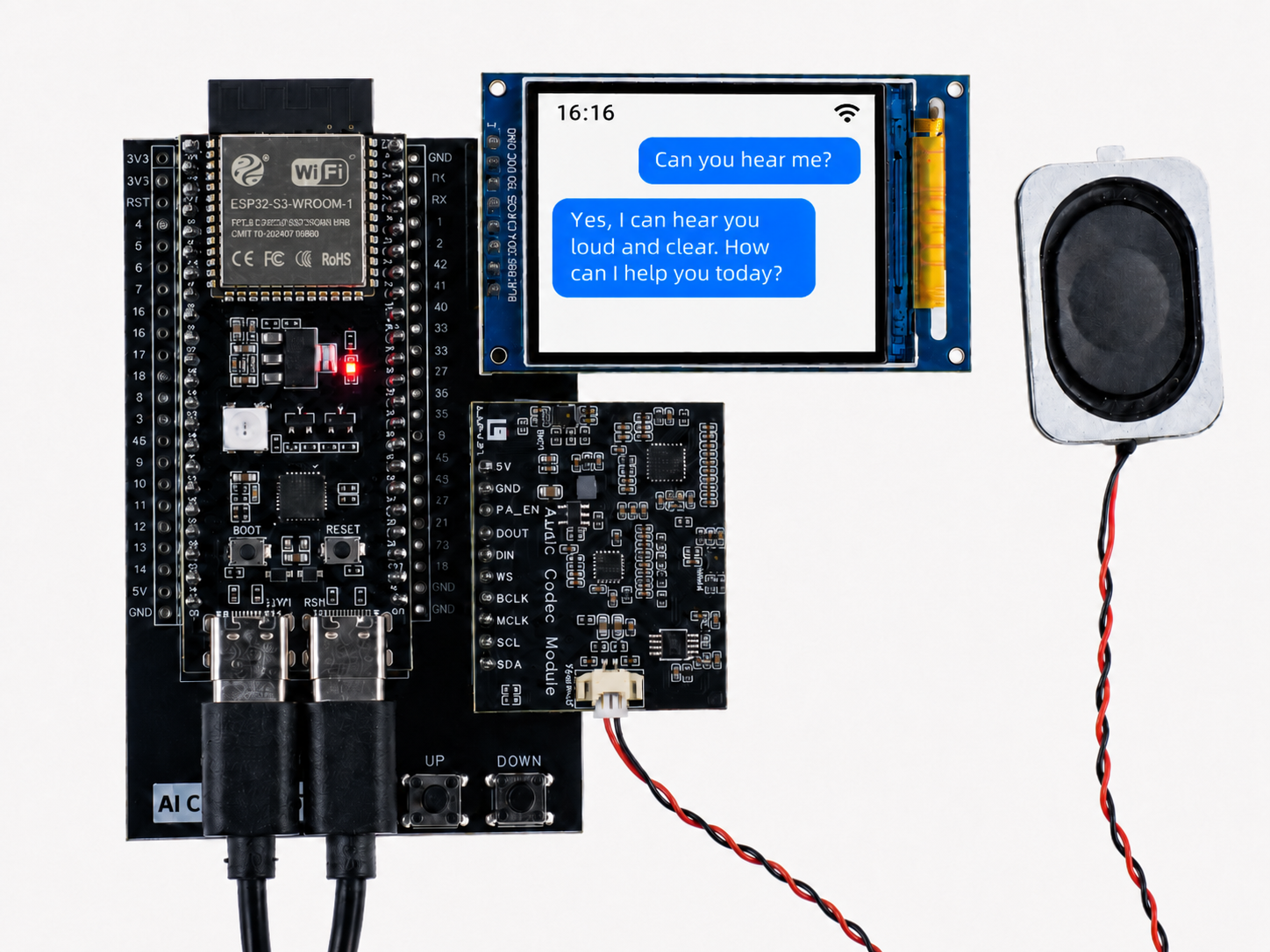
The LAFVIN ESP32S3 AIChatBot includes a 2-inch LCD screen for status display and conversation feedback.
Basic Interface
Standby interface:
Displays the current time
Shows the device status, including network status indicators
Interactive interface:
Displays a listening animation while the device is waiting for speech
Shows recognized speech text in real time
Scrolls the AI response on the screen
Information Display
System information:
Wi-Fi connection status
AI service connection status
Use Cases
The LAFVIN ESP32S3 AIChatBot can fit naturally into a range of everyday situations.
Daily Convenience
Start your morning with a quick question such as:
What's the weather like today?Ask for local information before a trip, for example:
Tell me about Los Angeles.Use it for quick factual questions throughout the day, such as:
Why do sloths move so slowly?
Learning and Study
Ask for explanations of school topics, for example:
What is the process of photosynthesis?Use it for language help, such as:
How do you say 'innovation' in Chinese?Let it solve quick calculations, for example:
What is 23 multiplied by 45?
Fun and Conversation
Ask it to tell a joke when you want something light and playful
Start a riddle game for interactive fun
Ask for a bedtime story or a short story during casual conversation
Personalized Experience
With different firmware settings, prompts, and roles, the LAFVIN ESP32S3 AIChatBot can provide a more personalized interaction experience.
You can adjust the assistant’s role, tone, and speaking style
You can choose different voices and language preferences
You can create a more tailored interaction flow through backend configuration or secondary development